01
Home & renovation
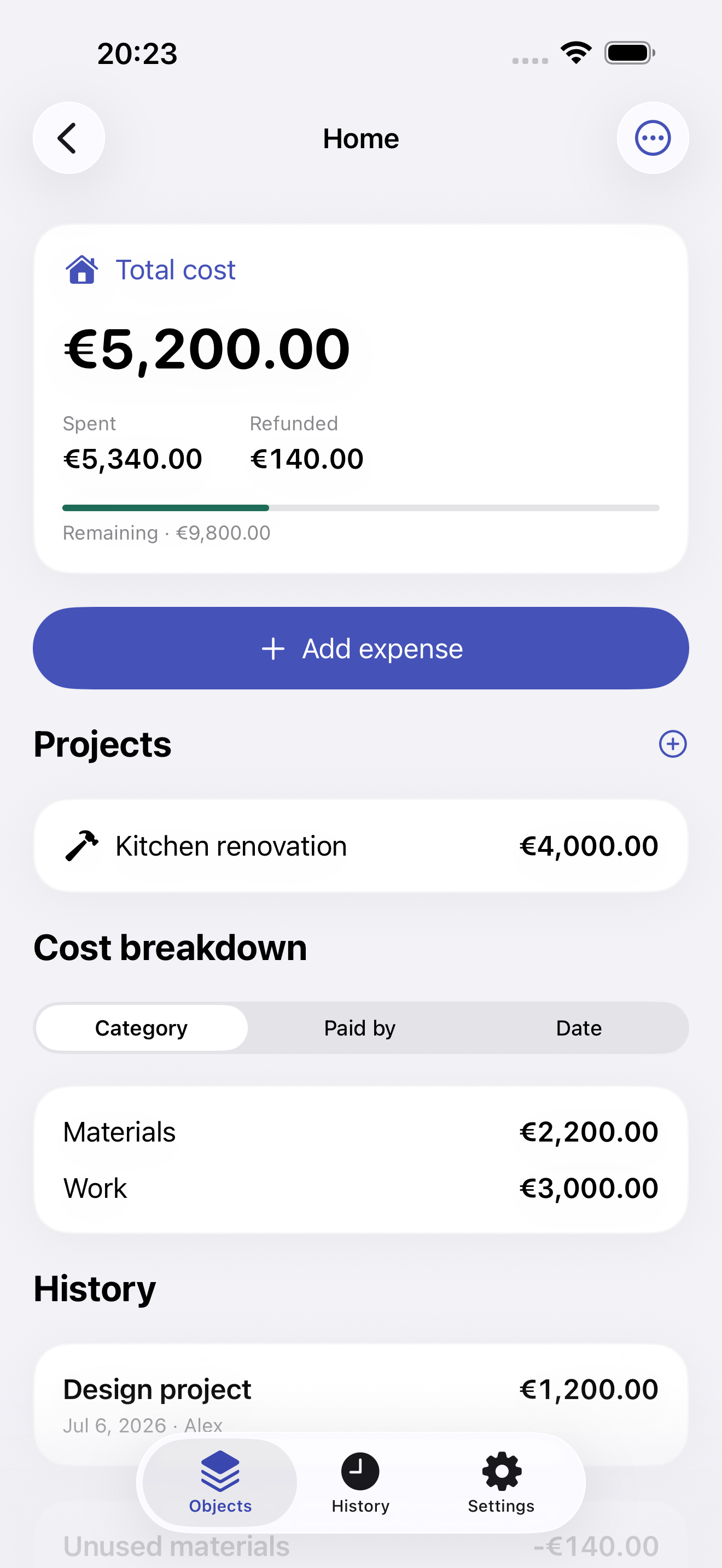
Materials, contractors and furniture. A project for the kitchen, one total for the whole home.
 Spent
SpentCosts for things and projects
Your home, your car or your next big idea. Keep every expense, refund and receipt together — and always know the full cost.
Features
From the first purchase to the final receipt. A clear history for everything you build.
01
Materials, contractors and furniture. A project for the kitchen, one total for the whole home.
02
Purchase, maintenance and repairs. See the initial price and everything that comes after it.
03
A garden, a film shoot or a new idea. Keep track of the costs while you focus on making it happen.
How it works
Give it a name and choose a currency. Set a budget if you need one.
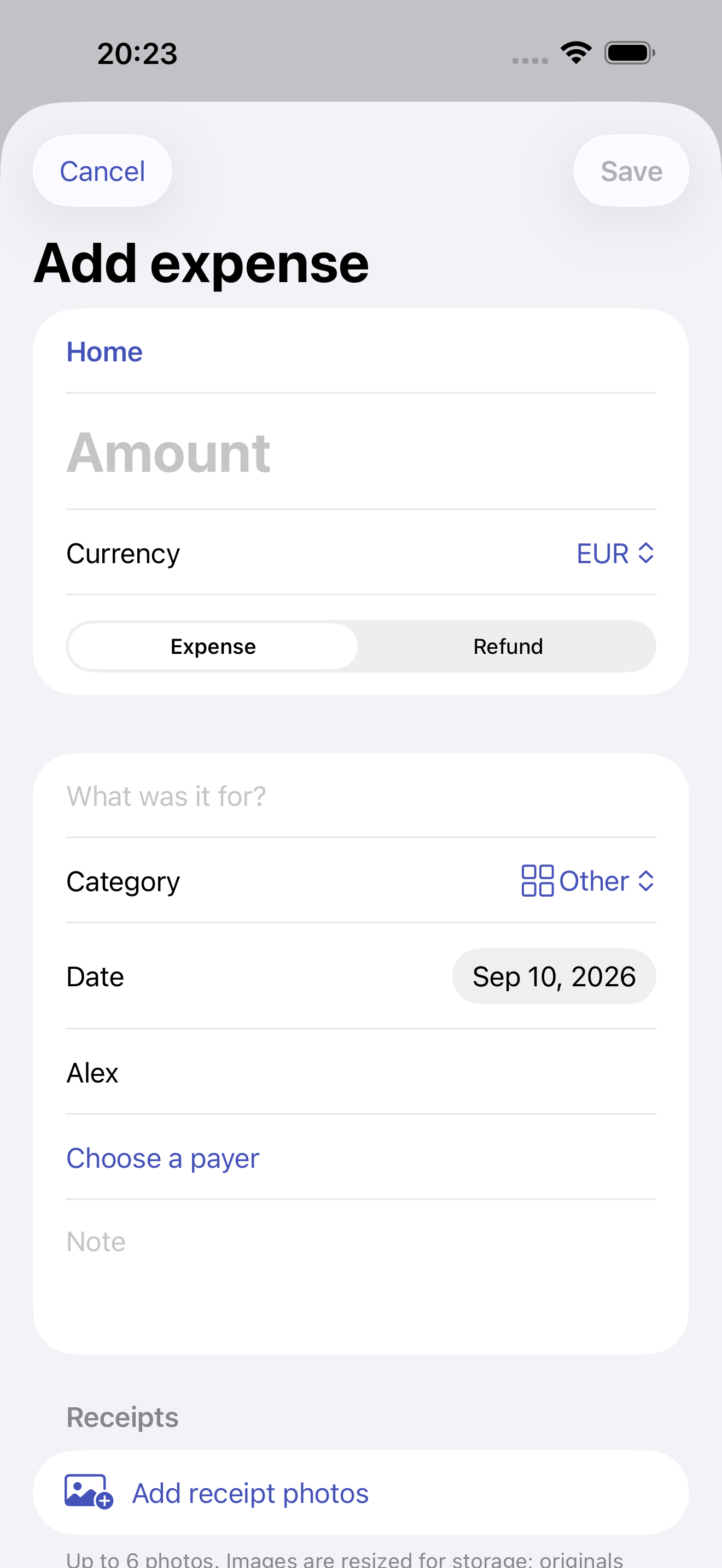
Only the amount and object are required. Add a category, payer or receipt photo for context.
Project expenses count once in the object total. Refunds reduce it. No manual spreadsheet consolidation.
iCloud
The owner needs Pro to invite and enable collaboration. Guests do not need a subscription. You can always restrict or revoke access.
The entry author and payer are separate. Spent does not calculate debts between participants.
The owner manages people and permissions. Invitees do not need their own subscription to collaborate.
No bank connections, ads or third-party analytics. Sync runs through Apple iCloud.
Free & Pro
0
$2.99 per month
or $19.99 per year
US prices: $2.99 monthly or $19.99 yearly. Your regional price and terms appear in the App Store before you confirm a purchase. Subscriptions renew automatically; manage them in Apple settings.
After Pro ends, your history, receipts and CSV remain available. Choose one own object to keep editing. Other own objects become read-only. Terms ↗
FAQ
No. Personal tracking works on your iPhone without registration. Sync and invitations require an iCloud account.
The original amount and a fixed manual exchange rate are saved. Objects with different base currencies are never added into one total.
Yes. CSV is available to everyone; PDF with receipts requires Pro. CSV includes attachment counts, not image files. These are reports, not an importable backup.
The app is being prepared and tested for release. Public App Store downloads are not available yet.
From the first expense to the finished result.